The 30-Second Film
Cinematic Reel Studio Enrollment opens 3 October · 9am PT
A self-paced course · Cinematic Reel Studio

The 30-Second
Film

Learn to make AI video that nobody clocks as AI — the thirty seconds people stop for, send to a friend, and brands ask you to make for them.

Built on an account started from zero in September. One skit from it was forwarded 43,000 times and passed 6.5 million views in a week.

Join the waitlist $89 · first 50 only
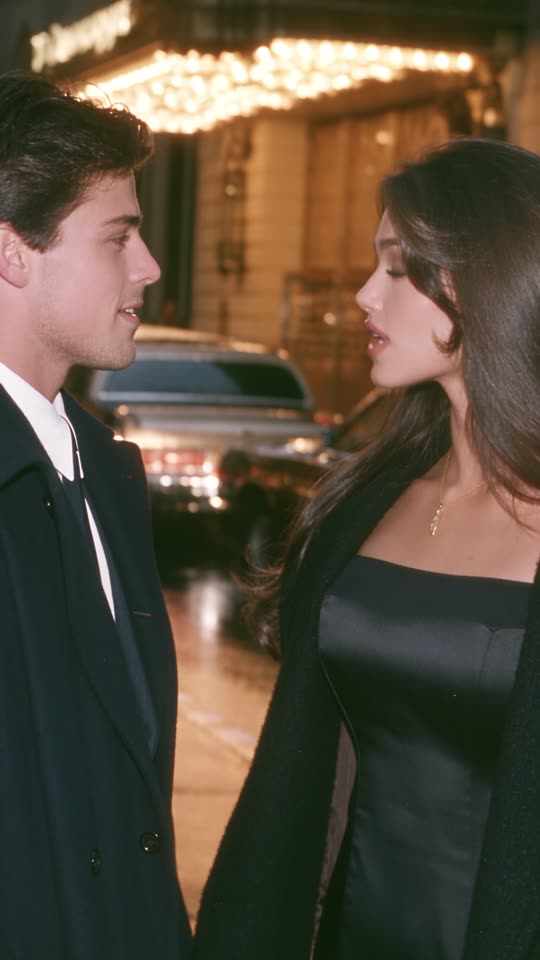
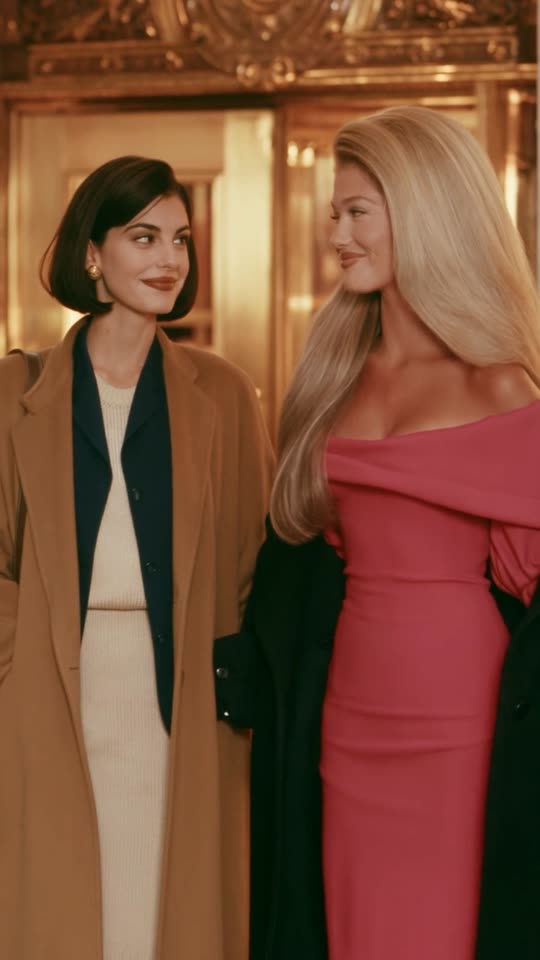
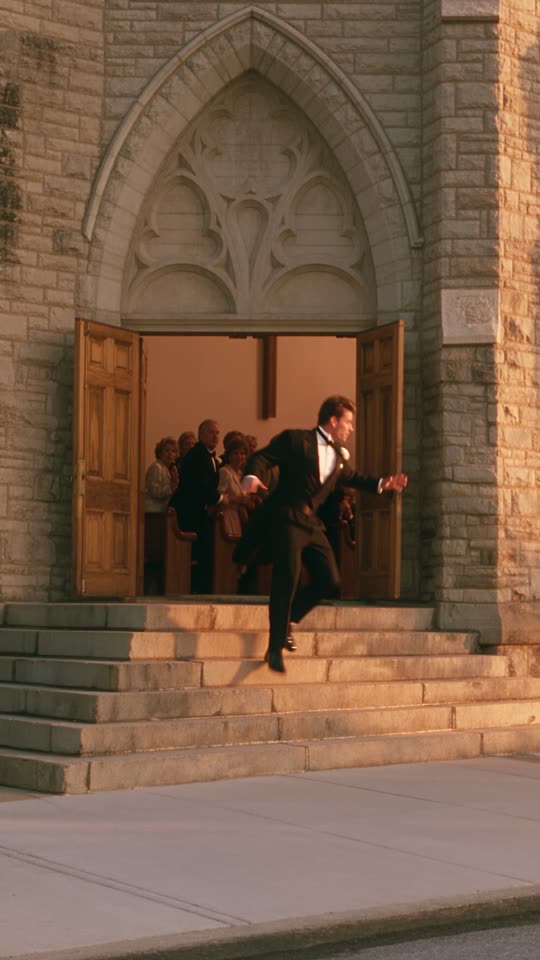
Scene from a short film
What happened

One skit.
Forty-three thousand sends.

43KPeople sent it to someone they know
53%Watched all 25 seconds
365KLikes
6.5MViews in a week
Every post over 390K, same two weeks
6.5M1.7M1M796K529K428K392K

Seven of them. One viral post is luck and everybody gets one. Seven in a row, from a standing start, is a method — and the method is what this course is.

“What film is this?
Where can I watch it?”

That is the question that keeps turning up in the comments, and it is the compliment I care about most. People are not asking which tool I used. They think they missed a release.

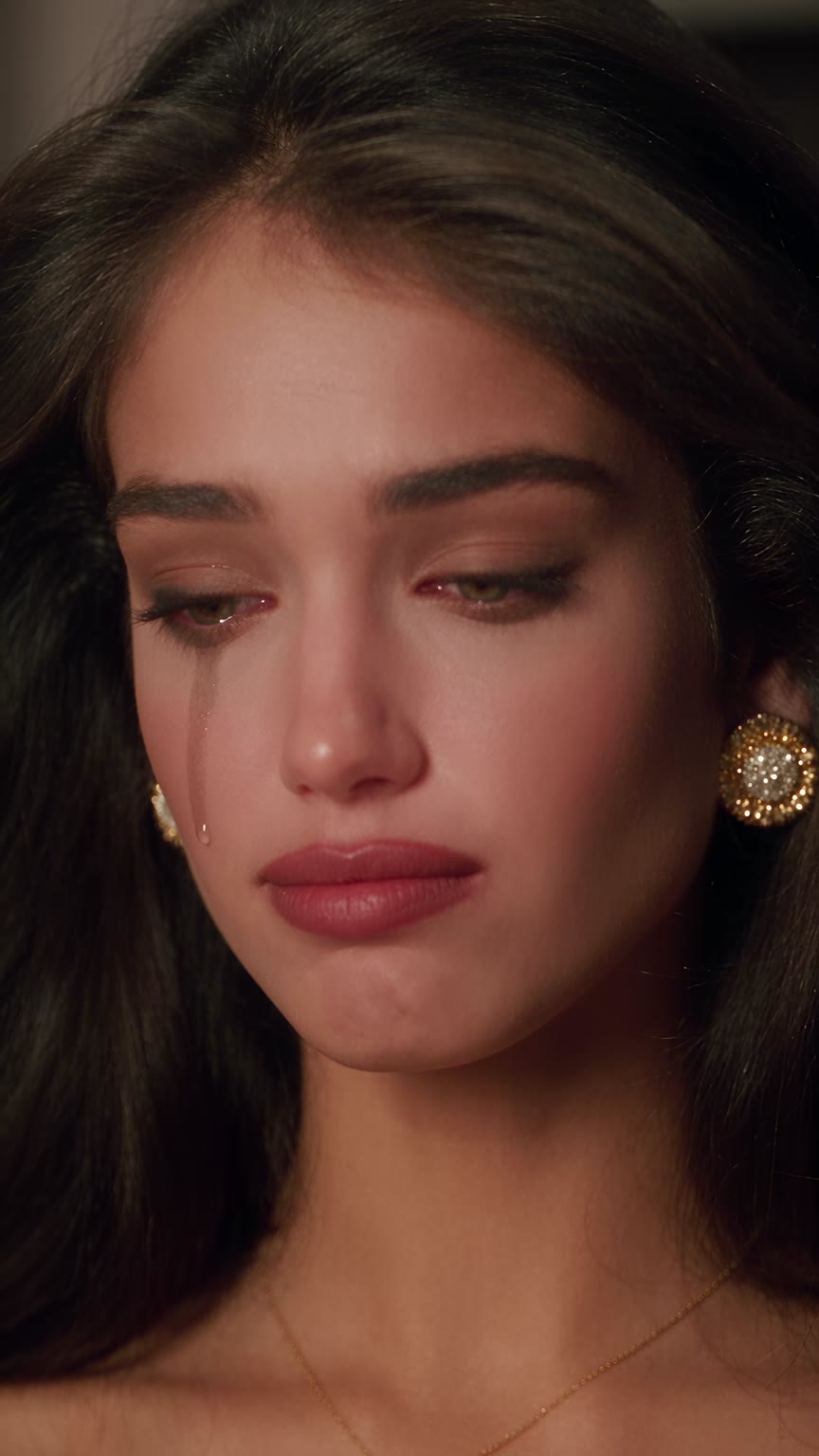
Nothing about that is luck. It comes from how the face is built, what the light is doing, how the camera moves and how the whole thing is graded in the edit — and every one of those is a decision you can learn to make.

One post on one Instagram account, September 2026, read off its own insights. The account itself went from zero to 12K on Instagram and 12K on Facebook in two weeks, 12.2M views across 18 posts. One run, one set of conditions — it says nothing about what the same work would do on another account, and no view count, follower count or income is promised anywhere on this page.

Character
Scene
Motion
Cut
The range

One skill.
Several jobs.

The skits are what took off, but they are one use of the same craft. Once you can direct a scene and make it hold together, the subject is yours to choose — a story, a runway, a bottle on a table.

This is a course in making AI video properly. What you point it at afterwards is up to you.

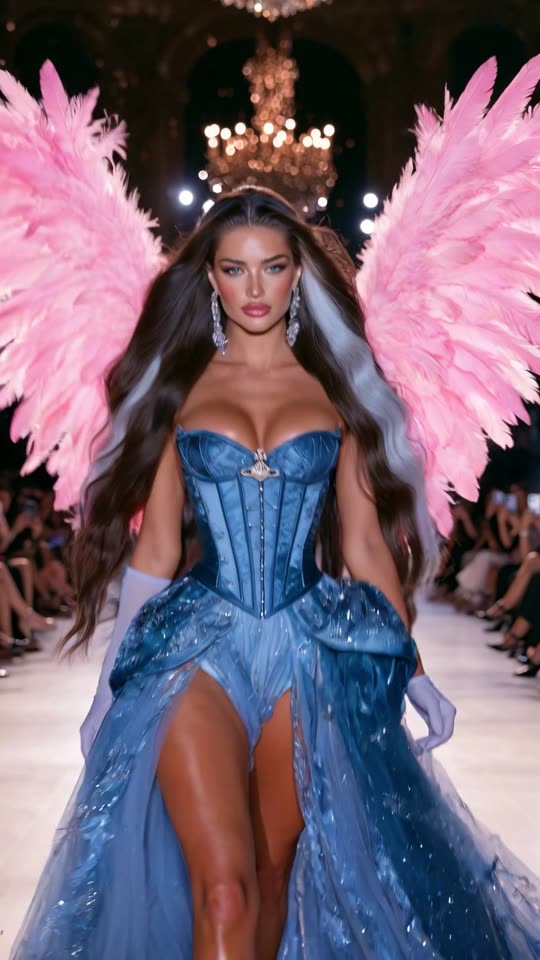
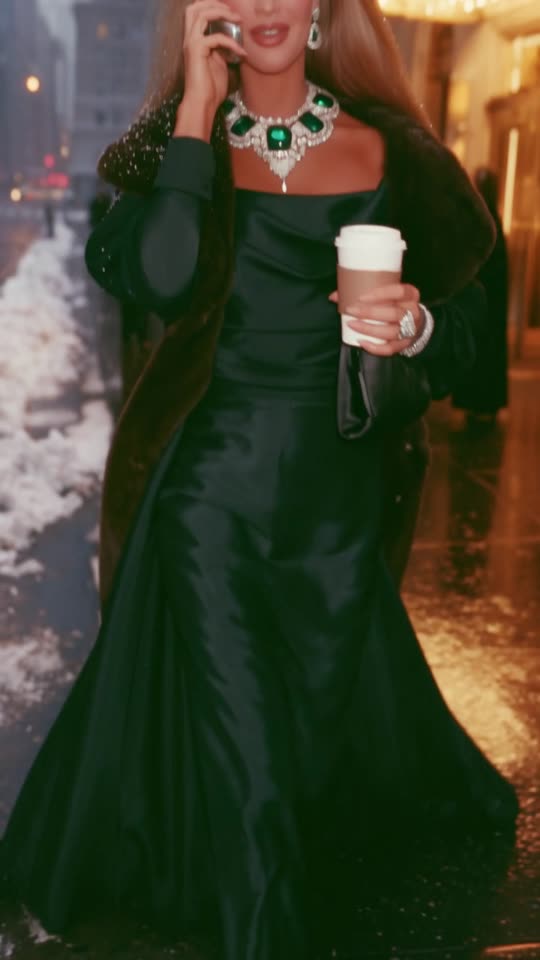
Fashion film

Runway · editorial

Garments that move the way fabric actually moves, lit like a show. The format brands ask for first.

Product

Placement · ads

A real object in a scene people watch anyway. Placement that does not feel like an ad break.

The pipeline

Idea to post,
in five moves.

This is the chain every one of my films goes through, in the order I run it. The course follows the same order, with the settings I actually use at each stage.

Step 01

Idea

Written first

The situation and its reversal, on paper, before a single image exists. Get this wrong and nothing downstream saves it.

Step 02

Cast

Image generation

Taught from the first image, nothing assumed. You build the reference set for your own recurring cast — made once, reused for months.

Step 03

Shots

Video generation

There is a way I structure this that most people never try, and it is the reason my footage comes back usable instead of needing forty regenerations. Shown in full inside.

Step 04

Cut

Editing

The light part, because the work was done upstream: drop the take that failed, place the overlay text, subtitle it if the scene needs it.

Step 05

Post

Instagram · Facebook · TikTok

Cover frame, caption, timing, and what to do in the hours after one takes off.

Every film on this page came through this chain, in this order. The tools carry their own subscriptions and are not included.

The stack

A hundred apps.
Four that matter.

Every week there is a new AI video app and a thread telling you it changes everything. Most of them do the same job worse. Meanwhile the subscriptions stack up and the work does not improve.

I use a small, specific set, and I did not arrive at it quickly. Picking the wrong platform — or the wrong plan on the right one — is the most common way people burn money before they have made anything worth posting.

Which ones, which plan to start on, what to skip entirely, and when upgrading actually changes the output: that is the first thing I show you inside, before you subscribe to anything.

The method

Pretty is not
memorable.

Most AI video looks good and stops there. Someone watches eight seconds, thinks “nice”, keeps scrolling. Nothing is remembered and nobody follows.

What changes that is not a better prompt. It is a face the viewer starts to recognize, a situation with a turn in it, and a cut that lands the turn on the right second.

That is what this teaches: every decision between the idea and the post, in the order I actually make them — five modules and a bonus.

01

Images and cast, from zero

Starts at the very first image and assumes nothing: how a prompt is put together, how references work, how to control style and detail. Then the part that matters — building a character who reads as a real person and survives across dozens of scenes, and picking the one image out of thirty worth keeping. You build your own cast here; that is the point of the module.

02

Writing what people watch

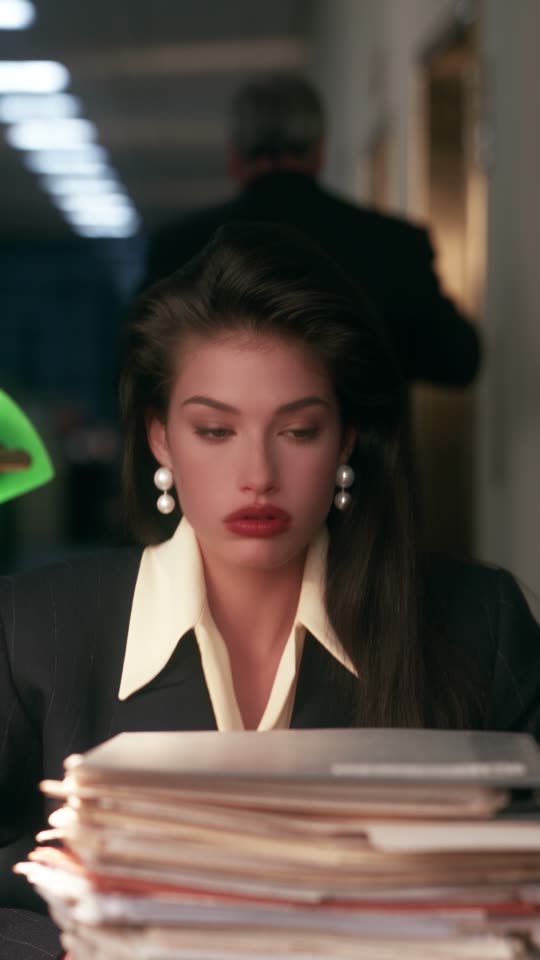
The opening and the turn, which are the same job. How the first seconds are built so nobody leaves, how I find a situation worth filming, where the reversal goes and why the same setup dies without it. This is the module behind the post that was forwarded 43,000 times, and it is the part almost nobody teaches.

03

Scene to motion — and the short edit after it

How a still becomes a scene that holds together: the structural decision that changed my hit rate completely, what I ask for and in what order, and what I throw away. Then the edit, which is short on purpose — if this step is right, there is little left to repair. You will not be asked to become an editor.

04

Account to audience

What I did in the two weeks the account went from zero: how a new account is warmed up before it is worth posting to, posting rhythm, what belongs in a caption, how to turn one viral post into followers instead of a dead spike — and the thing I did that quietly wrecked my reach, so you do not repeat it.

05

Fashion, runway and product

The same craft pointed at commercial work: a garment that moves like fabric, a show lit like a show, a real product placed in a scene people watch anyway. This is the part brands pay for, and the reason this skill outlives any one format.

+

The things I do not post publicly

The small decisions that are hard to explain in a caption and that I would rather not put in a reel: what I do in the hours after something takes off, what I quietly stopped doing, and the habits that separate an account that grows from one that stalls.

When each module lands

3 October Modules 01 and 02 — images and cast, and writing what people watch. The foundation, available the moment you buy.
4 October Module 03 — scene to motion, and the edit that follows it
5 October Modules 04, 05 and the bonus — account to audience, fashion and product, and the things I do not post publicly

Everything is in your hands within two days of buying, all releases at 9am Pacific Time, all included in the one price. Anything I add after that is included too.
Fit

Take it. Or do not.

Take it if

  • You have never generated an image in your life — it is taught from the first one, nothing assumed
  • Or you are already good at this and want to see how someone else runs the whole chain
  • You want a recurring character people recognize, not one-off renders
  • You want the whole craft — stories, fashion films, brand and product work — not one format
  • You would rather learn a process you can adapt than receive a file to paste

Don't buy it if

  • You want it done for you. I will show you every decision I make. I cannot make them for you
  • You will buy it and never open it. You already know whether that is you, and there is no refund to rescue you from it
  • You would rather copy than learn. Copy a prompt and you get my scene. Learn the structure and you get a thousand of your own
  • You think AI video is a gimmick. Then the part that actually matters — the writing — will look to you like a waste of an afternoon
Price

Launch price

$89
First 50 people
$149
Everyone after

One payment, lifetime access. Modules 01 and 02 open the day you buy; the rest, bonus included, are part of the same purchase and arrive on the dates above. Every lesson I add later is included at no extra cost — the tools keep changing and so does the course. Because access is digital and opens immediately, all sales are final and there are no refunds. The AI tools you will use are separate subscriptions and are not included.

Questions

Before you decide.

I have never made anything with AI. Is this too early for me?

No. Module 01 starts at the very first image and assumes nothing — how a prompt is built, how references work, how to control style. Everything after that is built on it in order.

What it does assume is that you will practise. The tools are quick; the judgement of what makes a shot work is not.

What do the tools cost on top?

Two paid subscriptions, one for images and one for video. They are not included here, and you do not need the top tiers to start — the lower plans are enough to work through the course and publish. The editing software is free.

Which platforms, and which plan on each, is the first thing covered inside, specifically so you do not pay for the wrong one. Budget for two subscriptions before you buy this, not after.

Do I need a powerful computer?

No. Everything runs in the browser or in apps that do the work on their side. A normal laptop and a decent connection is all it takes.

How fast can I go through it?

At whatever pace your week allows — it is self-paced and your access does not expire, so there is no schedule to keep up with once you are in.

How quickly it clicks depends on what you bring. If you already make images, the first module will go fast. If you are starting from nothing, give yourself room to practise between modules instead of watching straight through.

Can I sell what I make?

Commercial rights come from the platforms, not from me. Each has its own terms, usually tied to being on a paid plan. Read them before you take client work.

What I can show you is how the work gets made and how I handle my own.

Do I get your prompts?

Yes — the prompts I actually use, and the structure behind them: how one is assembled, what each part is doing, why it is phrased that way, and how I build one before it goes anywhere near a generator.

The prompts give you a starting point. The structure is what lets you write the next thousand yourself, for your own scenes and your own cast — which is the part that makes the account yours rather than a copy of mine.

What language is it in?

English narration over a screen recording of the actual work, with English subtitles on every lesson. You see the same screen I use, so even where the wording is unfamiliar, the steps are visible.

Is there a refund?

No. All sales are final. Access opens the moment you pay, and everything listed — including the modules dated later — is part of that one purchase.

So read the module list and the dates above before you decide.

Waitlist

Get the $89.

Enrollment opens 3 October at 9am Pacific Time. The launch price goes to the first 50 people, and the waitlist gets the link by email before it is posted anywhere.